Floating window
Keeps clear of your controls.
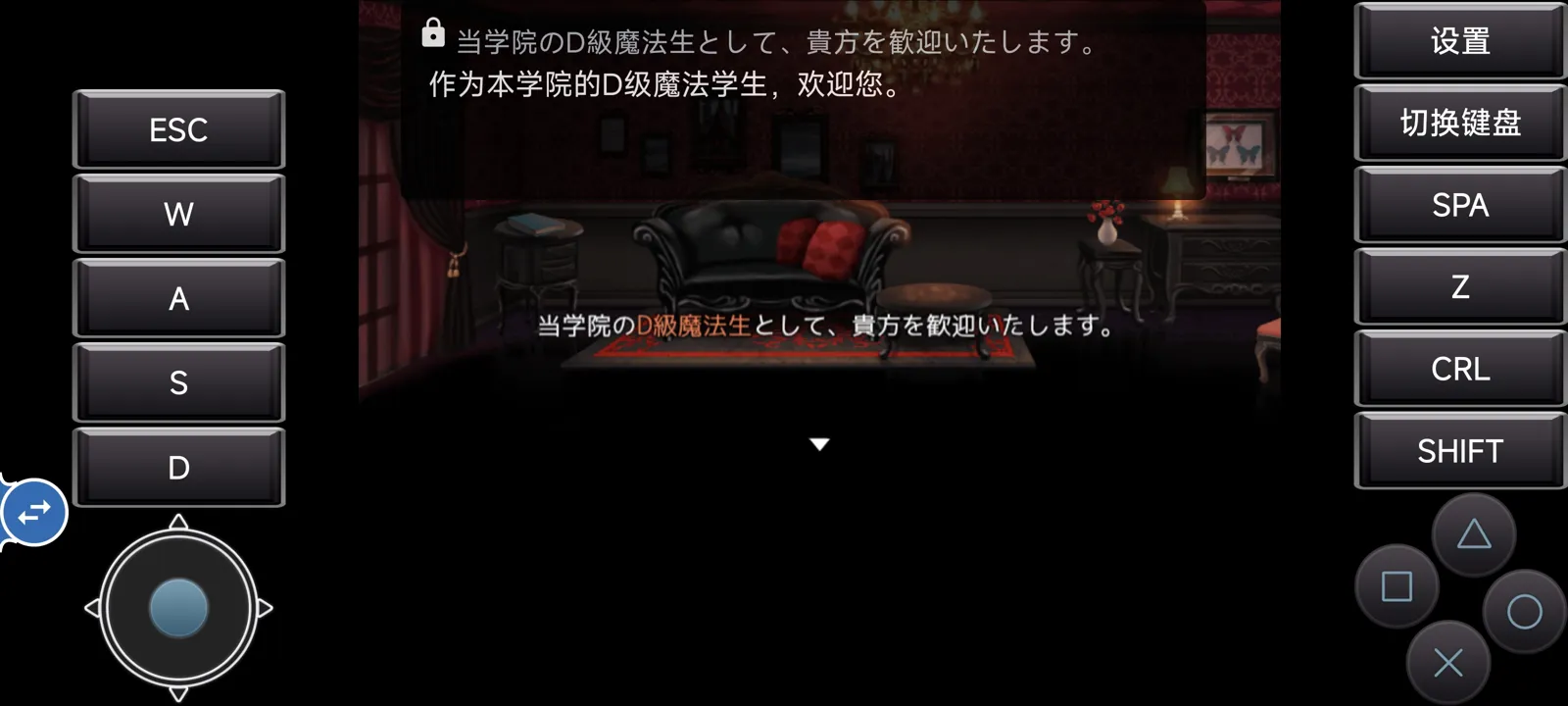
Every line gathers into one draggable, resizable window that stays off joysticks and buttons. Lock it, and it ignores every touch.
Free and open source, no root needed
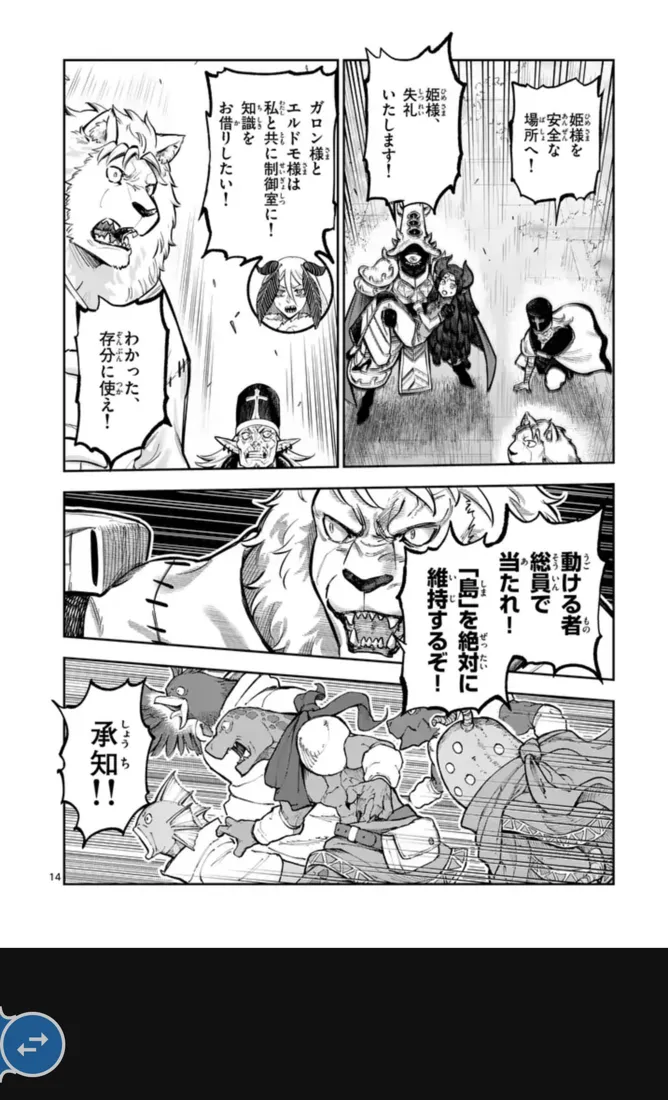
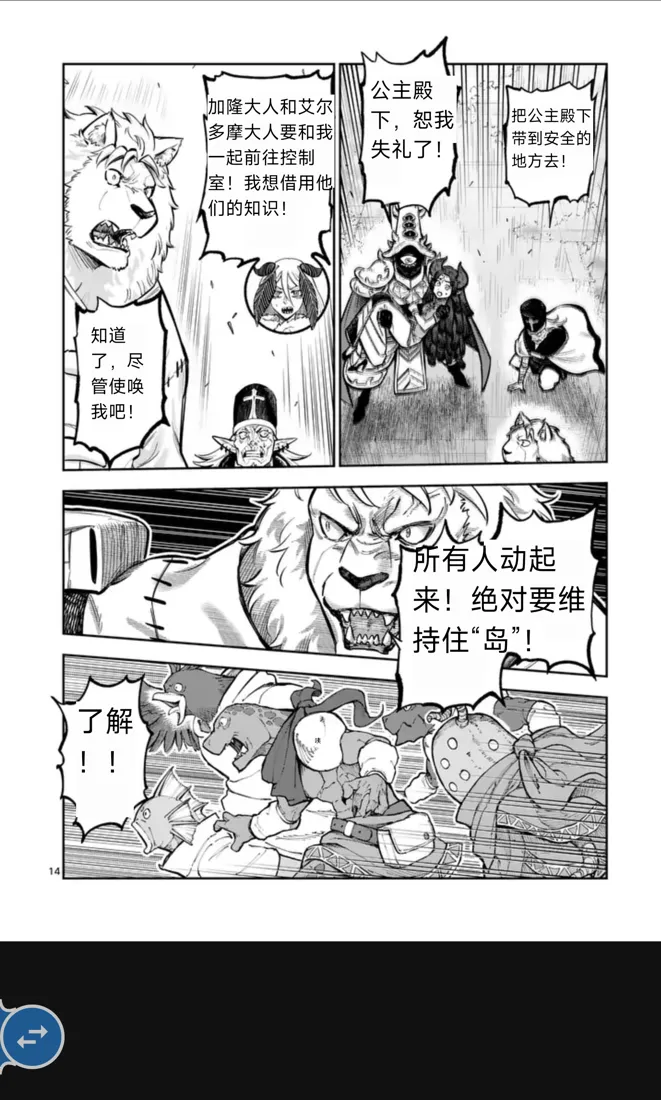
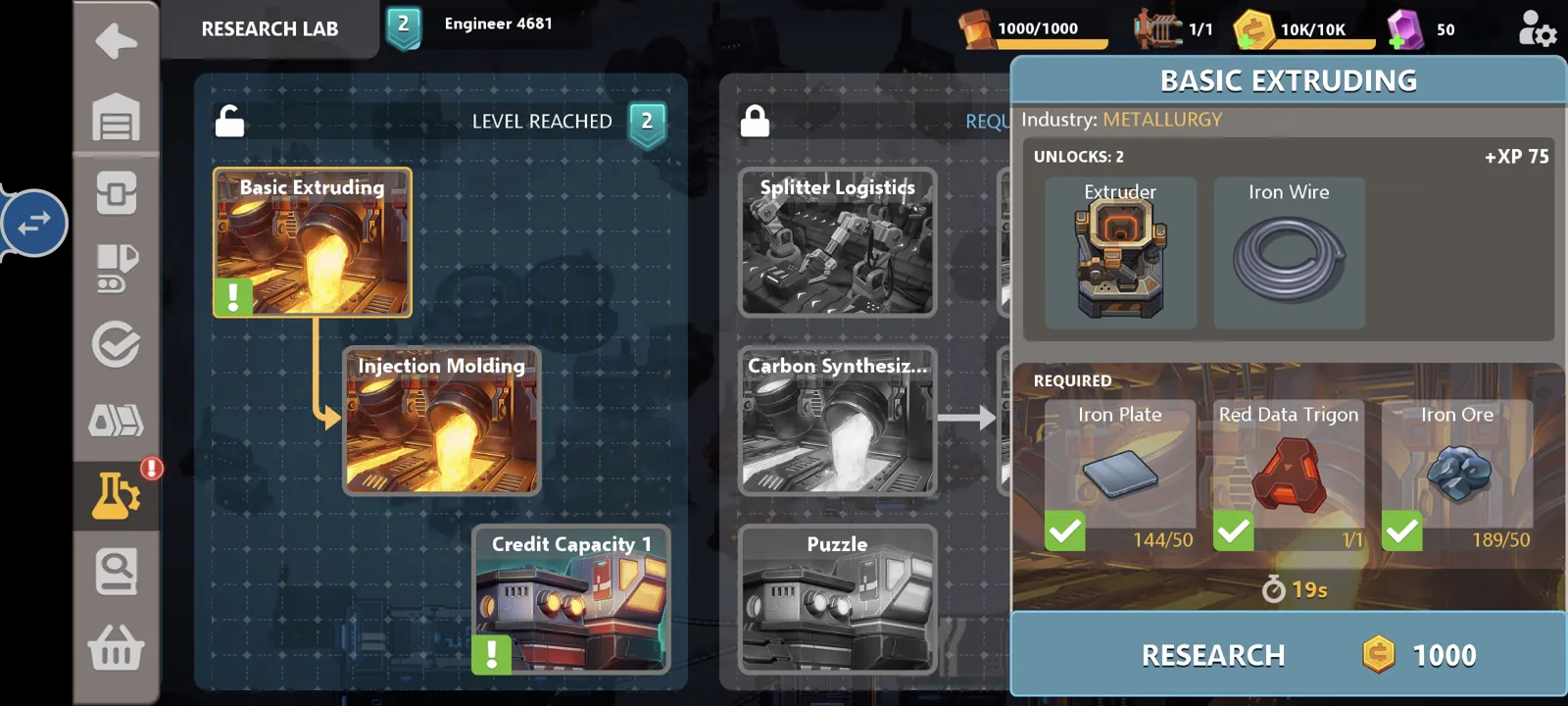
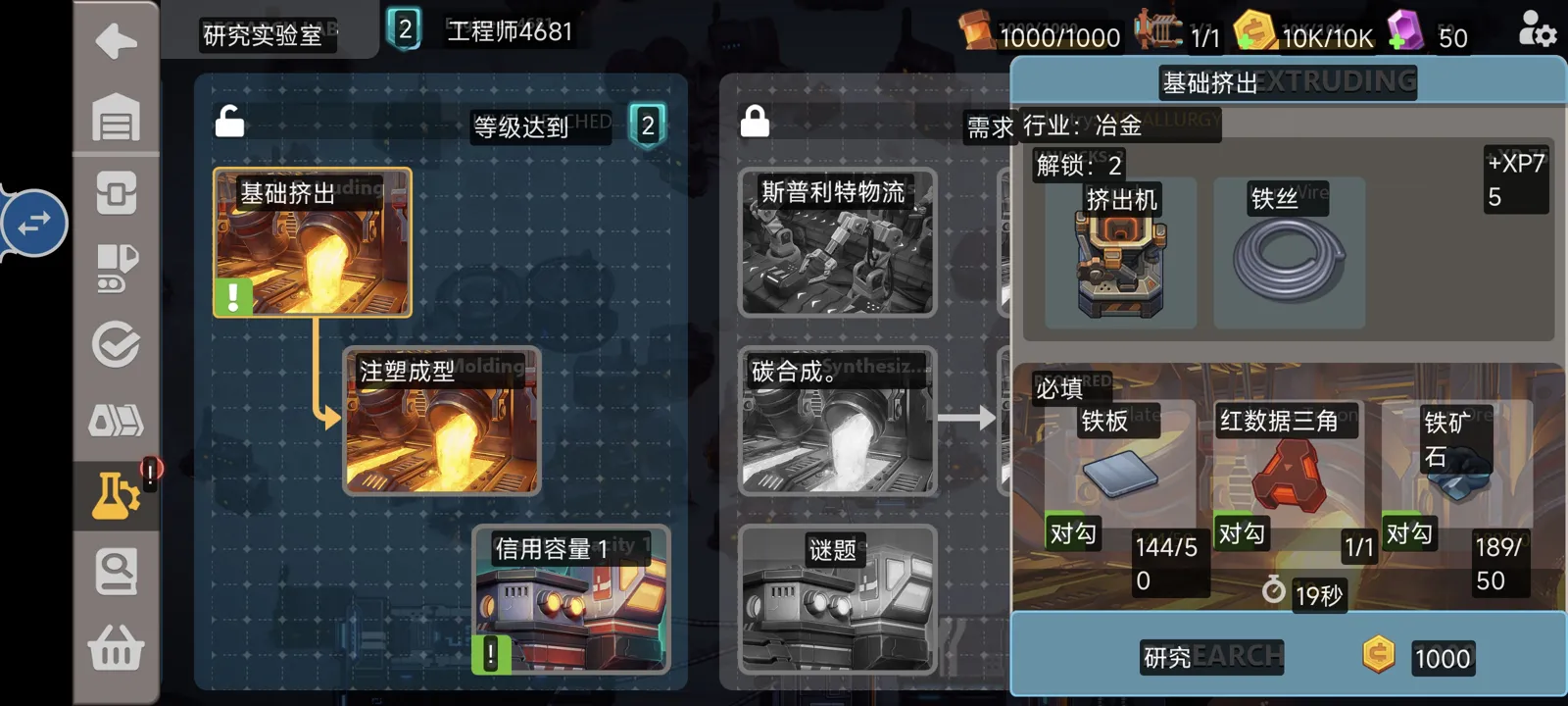
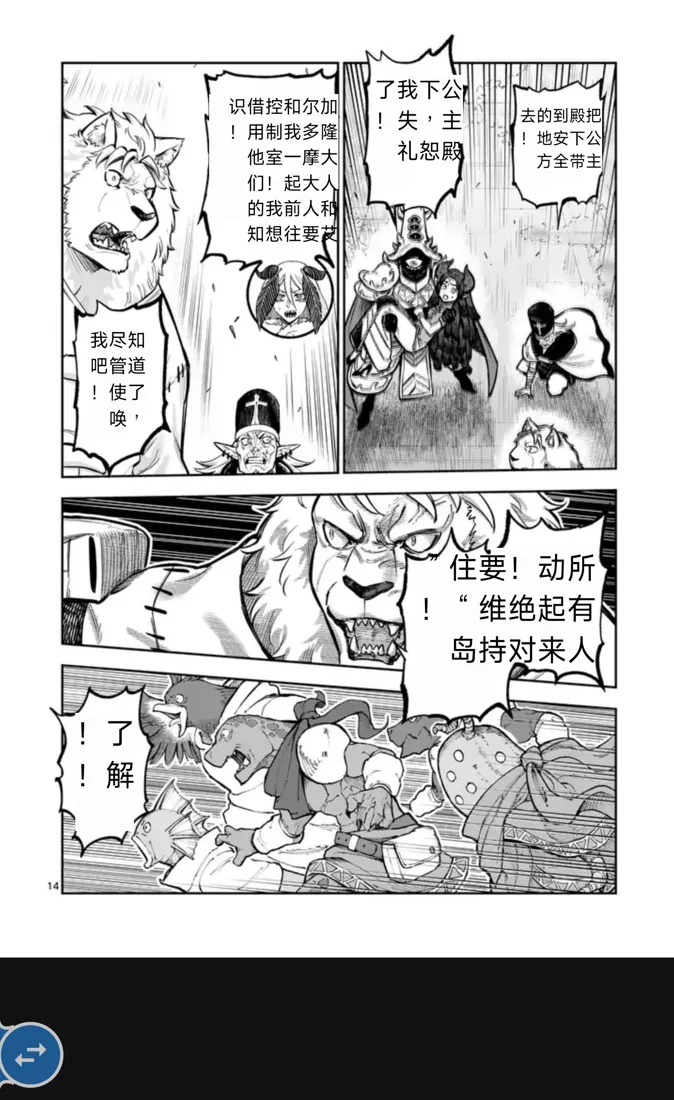
Screen Translator is a free, open-source Android screen translator for games, manga and visual novels. Tap the floating ball to read text with OCR, translate it and show the result over the original — with offline models or AI on your own PC.
Japanese → Chinese
How it works
Like cells in a living tissue, each stage works on its own. If one provider goes down, the rest keep going.
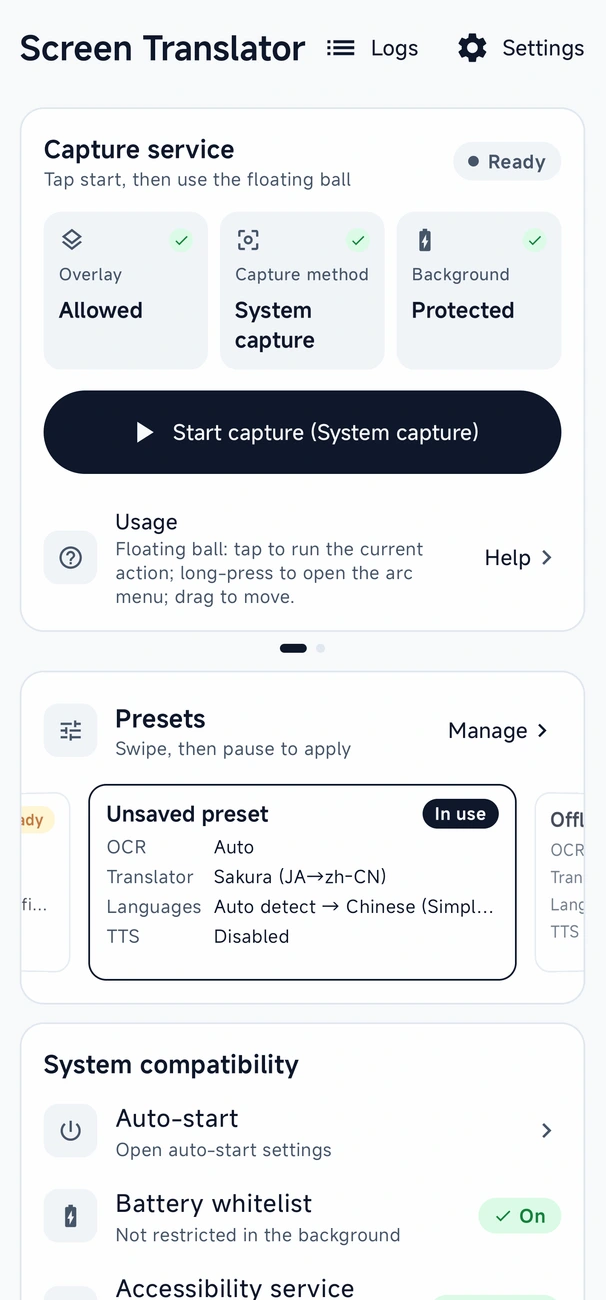
MediaProjection, or Shizuku to skip the prompt each session.
Text recognition on the phone, on your PC, or in the cloud.
LLMs, DeepL, NiuTrans, Google — or models that run offline.
On each text box, in a floating window, or blended into the art.
Phone voices, your own voice server, or an online voice.
For people who run their own AI
Point the phone at OCR and translation models running on your own computer. Your hardware does the work over your home network — faster than a phone alone, and cheaper than paying a cloud service for every line.
Rewrite the translation prompt for your game, genre or tone. Your edits are kept, never overwritten.
Ollama or your own model server: set a base URL and model name, and results stream in as they're generated.
Send screenshots to Umi-OCR or LunaTranslator on your PC for sharper recognition.
Plain HTTP is allowed only to machines on your home network; anything public must use HTTPS. DeepLX and your own voice server plug in the same way.
Captures the screen and shows the translation
OpenAI-compatible translator
ConnectedTranslate this game dialogue into natural, casual Chinese. Keep names from the glossary. Keep each line short enough to fit its speech bubble.
Cloud service
Billed for every request, and screenshots leave your home.
Your own PC
Hardware you already own — no per-request bills, nothing leaves your network.
Adapt to screen
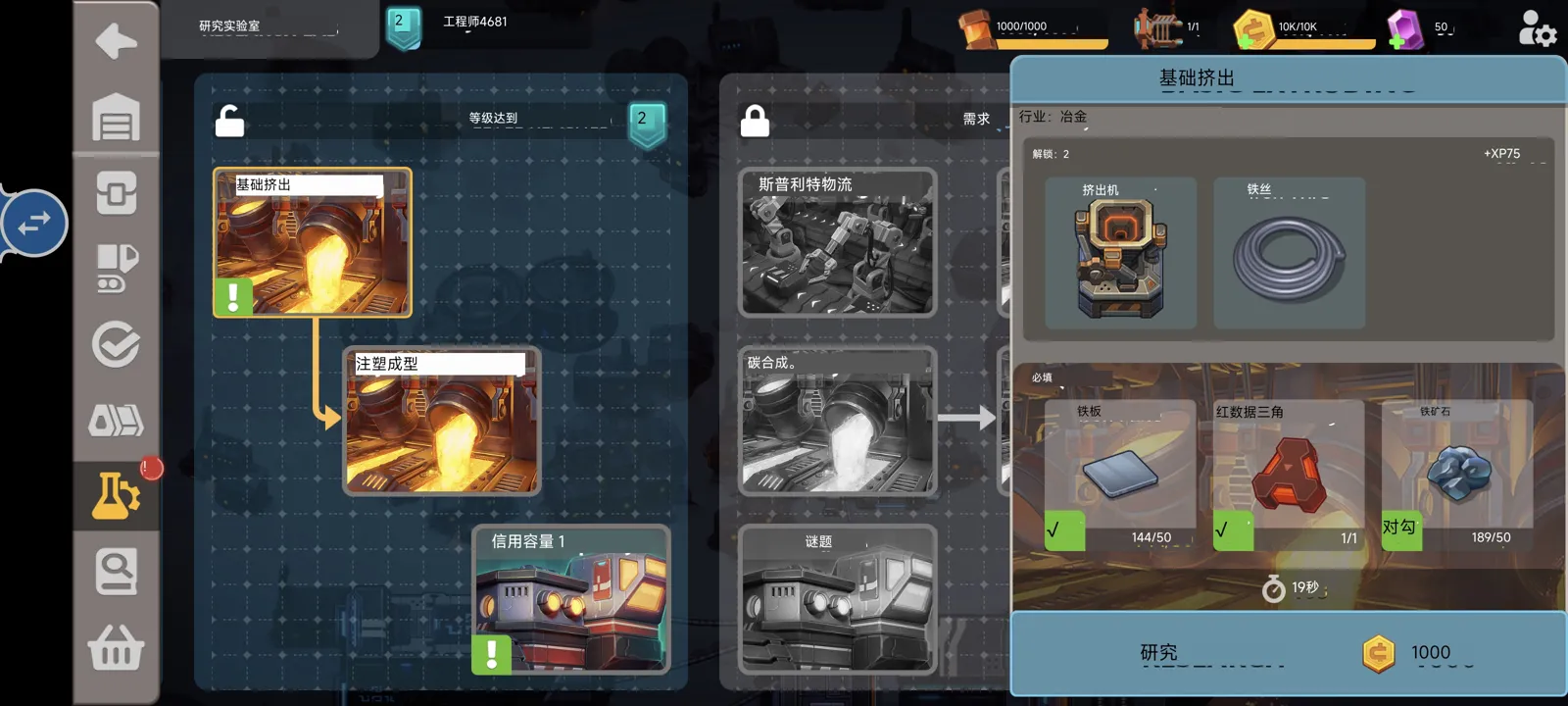
Adapt to screen picks colors, background and text size for every region. On comics, the bubble detector erases the source text, repairs the background and fits the lettering to each bubble's shape.
Sandship, Chinese to English
Floating window
Every line gathers into one draggable, resizable window that stays off joysticks and buttons. Lock it, and it ignores every touch.
Word lookup
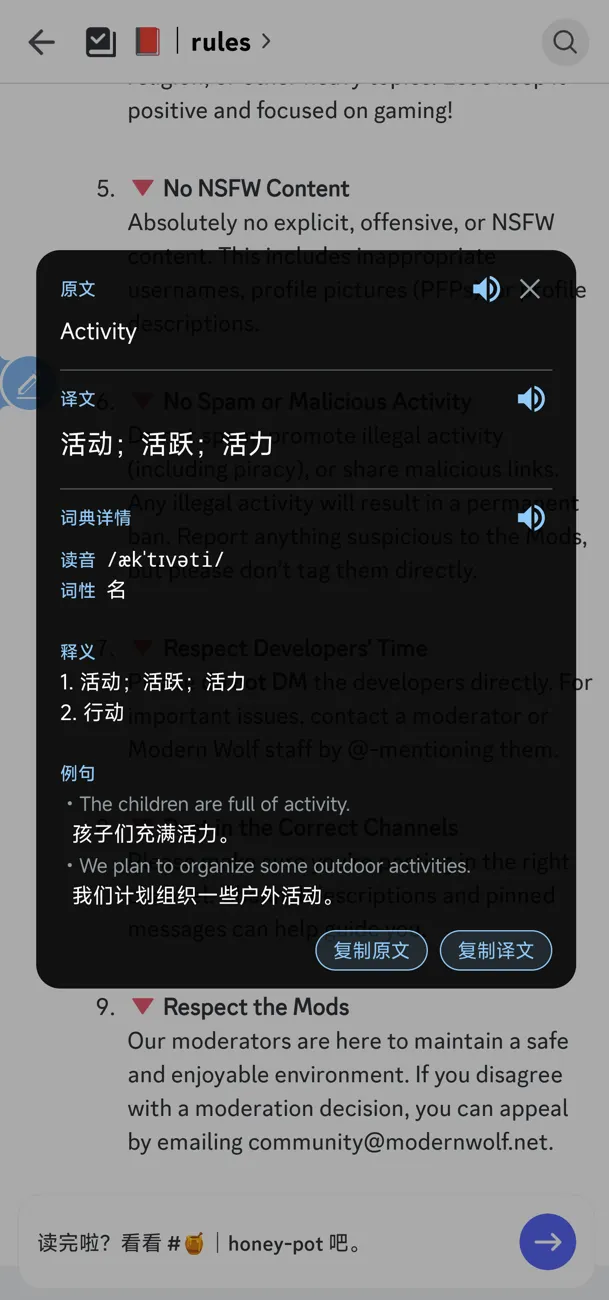
Pronunciation, part of speech, meanings and example sentences, each with read-aloud.
One-finger control
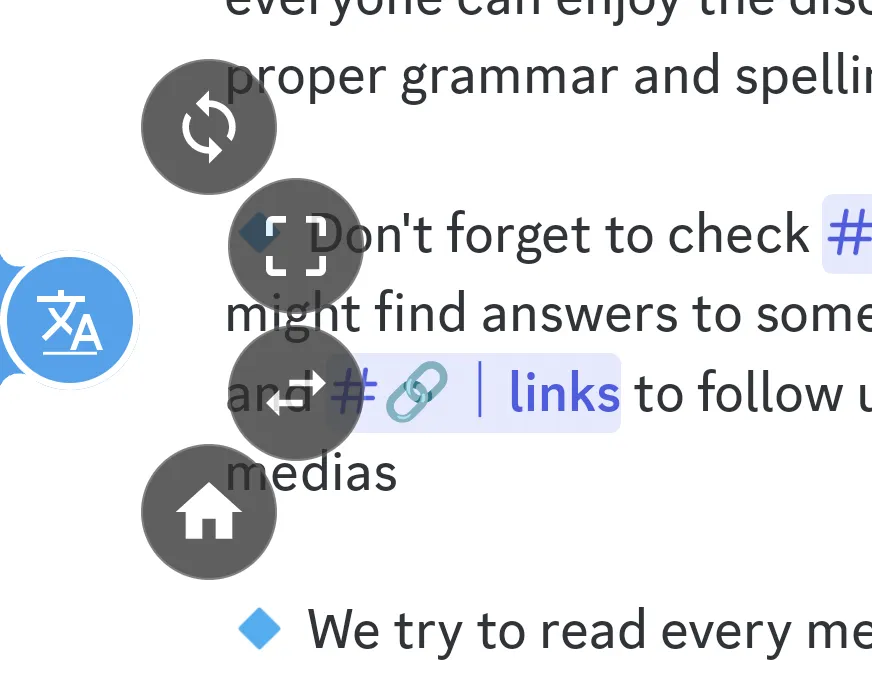
An arc menu blooms from the ball: loop, re-pick region, language and preset switches — in whatever order you like.
Triggers
Reads right-to-left columns, skips furigana and joins sentences split across bubbles.
Per-game glossaries and a translation library keep characters and terms the same.
Source, translation or a selected passage, with pause and resume.
Themes, a color picker, outlines, shadows and your own fonts.
More ways to translate
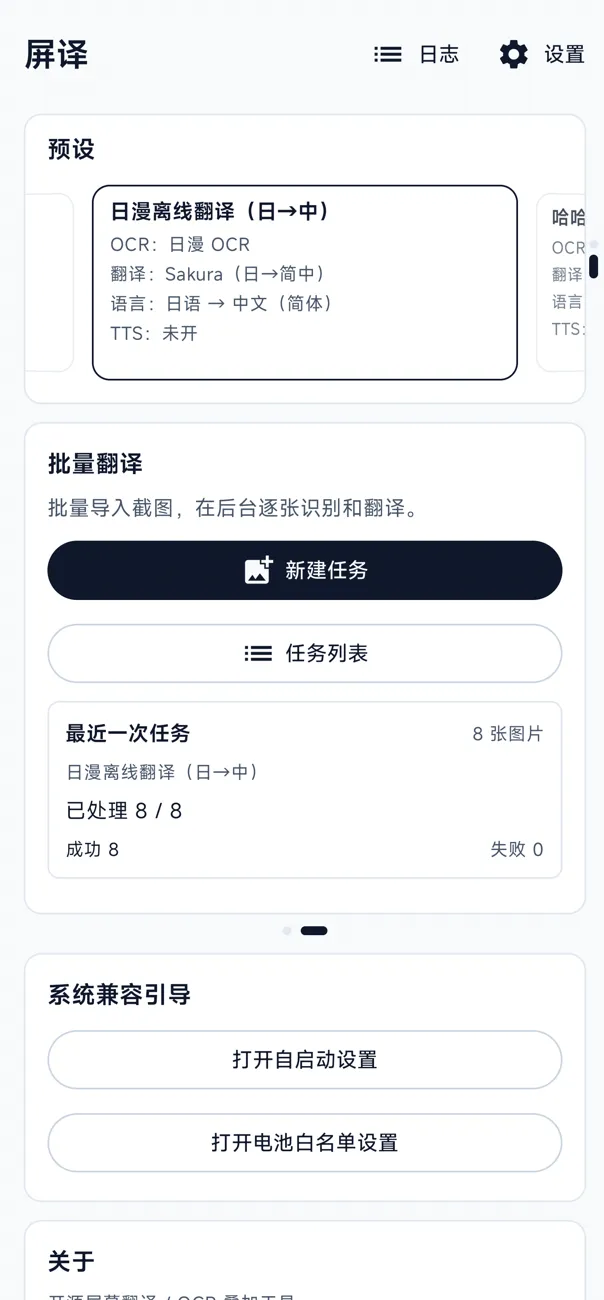
Pick a stack of images, or share screenshots straight to the app. Tasks keep running after you leave, and you can save translated copies that keep the original layout and fonts.
Write in your own language, tap the floating ball, and the text in the input field turns into the language of the game or chat — ready to send.
Select an area and pull out its text without translating it. Copy it anywhere, or have it read aloud.
Turn on auto-translate and the app waits for the screen to stop moving, then translates by itself — no more tapping the floating ball for every new line.
Engines
On your phone
Your PC or the cloud
On your phone
AI and online services
On your phone
Self-hosted or online
Off by default, and never slows recognition or translation.
Runs on your phone, works offlineYour server or an online service — some may charge
Your screen, your choice
On-device recognition, translation and voice work with no network at all.
API keys, prompts and presets live in encrypted local storage.
Unencrypted connections are allowed only to servers on your own network.
Export presets, glossaries and fonts in one bundle — without the keys.
Quick start
Get the APK from GitHub Releases. Needs Android 8.0 or later.
The guide walks you through languages, use case and engine, one page at a time.
The floating ball rests quietly at the edge of the screen.
The translation appears over the original. Long-press for more.
Free and open source. No account, no ads, no root.